7 Best Free AI Transcription Tools for Content Creators (2026)
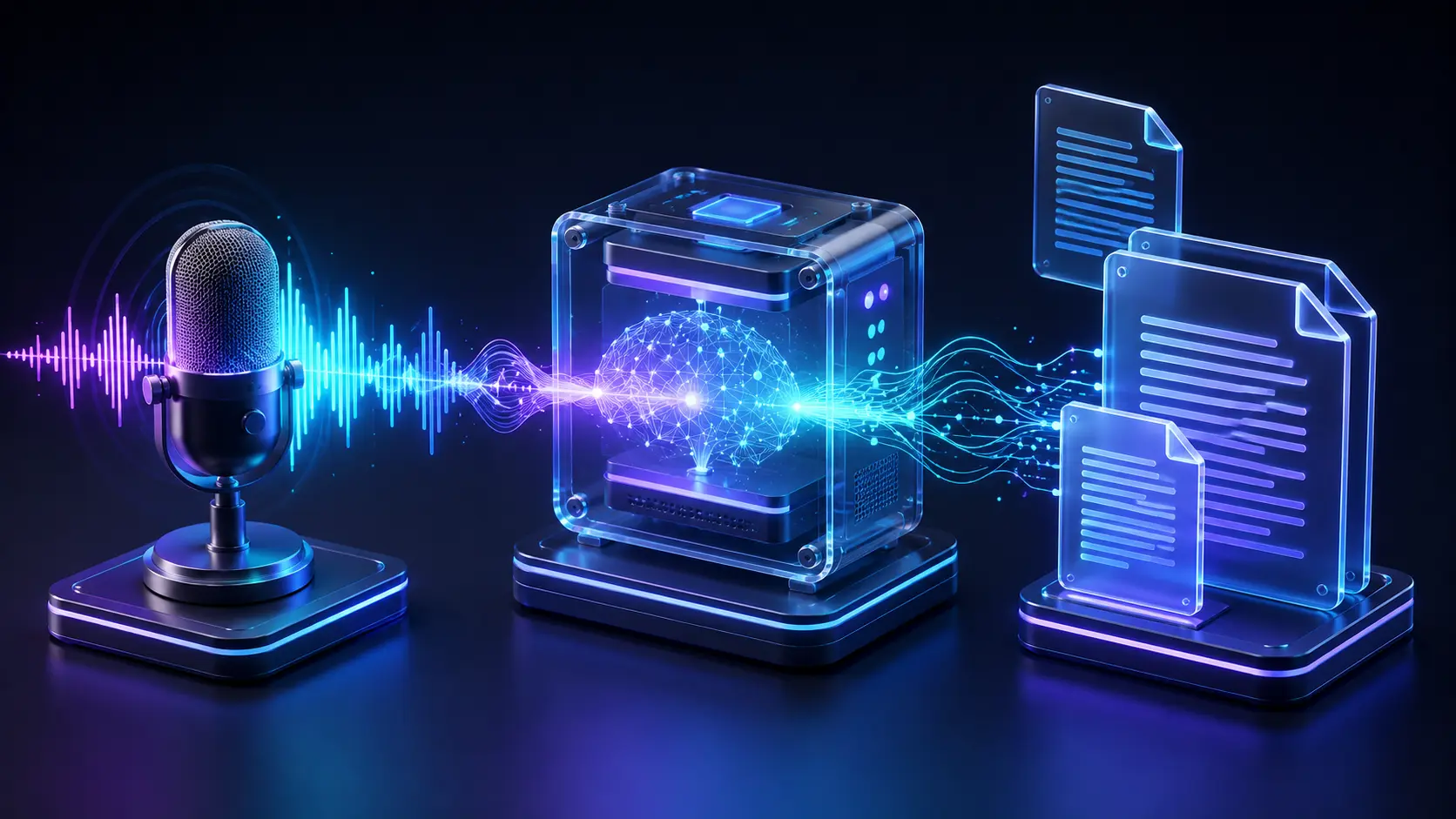
A podcaster records a 45-minute episode, sits down to write show notes, and realizes there's no transcript. Three hours later, typing every word by hand while scrubbing back and forth to catch what a guest mumbled at minute 22, they're still not done. They assumed free, accurate transcription didn't exist, so they never looked for it.
It exists. It's just scattered across seven different tools, each with a free tier that's genuinely usable for some workflows and quietly useless for others. Some cap you at 300 minutes a month. Some cap you at 60. One has no cap at all, as long as you're willing to run it on your own machine.
This guide tests all seven: what they actually give you for free, where the free tier stops being honest, and which one fits a podcast versus a video channel versus a stack of live meeting recordings.
Why Content Creators Need AI Transcription Tools in 2026
Boosting Video and Podcast SEO
Audio and video are invisible to Google. A transcript isn't. Publishing the full text next to your episode or video gives search engines something to index, which means your content can rank for the specific phrases your guest said, not just the title you gave the episode. A 45-minute conversation usually produces 6,000 to 8,000 words of raw text, more than enough to extract a full blog post's worth of long-tail keyword coverage without writing a single new sentence.
Speeding Up Social Media Content Repurposing
Every long-form recording is a pile of unclipped short-form content, but only if you can search it. A transcript turns a 45-minute file into something you can scan for the one sharp 30-second answer worth cutting into a Reel or a Short. Without it, repurposing means rewatching the whole thing with a notepad, which is exactly the kind of task creators skip when they're already behind on the week's schedule.
What to Look for in Free AI Transcription Software
Accuracy and Accent Handling
Accuracy claims on marketing pages are almost always measured on clean, single-speaker, native-accent studio audio, which is not what most creators actually record. The real test is a Zoom call with a guest on a laptop mic, some room echo, and a non-native English accent. Word error rate climbs fast under those conditions, and the gap between tools that looked identical on a clean sample can open into a real editing-time difference once you're working with typical creator audio.
Free Tier Allowances and File Size Caps
Free tiers get rationed in three different ways, and they're not equivalent. Some cap total minutes per month, like Otter's 300-minute allowance. Some cap file size or length per upload, like a 70MB ceiling that quietly caps you at roughly an hour regardless of your monthly total. Some cap total lifetime imports rather than a monthly reset, which is the harshest version and worth checking before you build a workflow around a tool.
Speaker Diarization and Timestamping
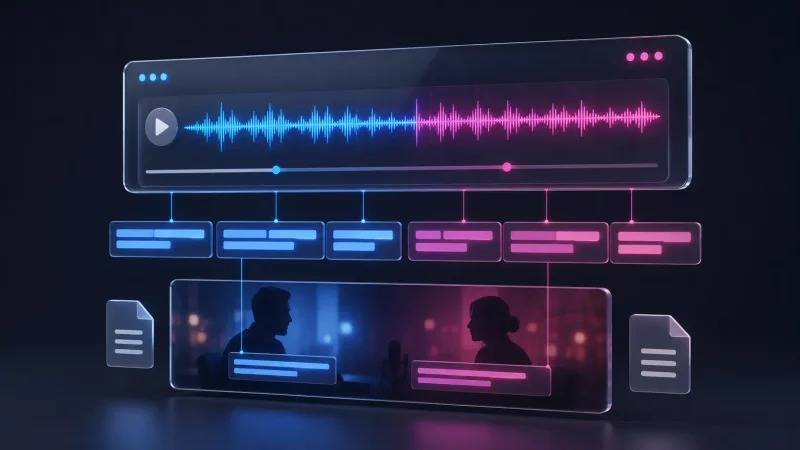
Diarization is the labeling of who said what, and it's the difference between a usable interview transcript and a wall of undifferentiated text. Timestamping matters just as much for repurposing, since it's what lets you jump straight to the 12-minute mark instead of scrubbing manually. Both features tend to be the first thing free tiers strip out, so check for them specifically rather than assuming "transcription" includes them.
Top 7 Free AI Transcription Tools for Creators in 2026
OpenAI Whisper (Best for Unlimited Free Local Transcription)
Whisper is the open-source speech recognition model behind most of the tools on this list, and running it yourself, through a free desktop app, is the only genuinely unlimited option here. No monthly minutes, no file caps, no account. The tradeoff is setup effort and hardware: it needs a reasonably capable machine, and the largest, most accurate model sizes are slow on anything without Apple Silicon or a dedicated GPU. Genuine drawback: there's no live transcription, no cloud sync, and getting speaker labels working requires a specific model variant, not something enabled with a toggle.
Descript (Best for Video Editors and Multimodal Creators)
Descript edits video and audio by editing the transcript directly, like a text document, which makes it the fastest option for creators who need to cut a rough edit and a transcript in one pass. The free plan includes about 60 media minutes a month and a one-time grant of 100 AI credits. Genuine drawback: exports on the free tier are capped at 720p and carry a visible watermark, and 60 minutes covers roughly one short podcast episode before you're locked out until next month.
NoteGPT (Best for Batch Processing Large Audio Files)
NoteGPT accepts local audio and video files up to 100MB each and can queue several files for processing at once, which suits creators clearing a backlog of recordings in one sitting. The free plan runs on 15 monthly quota credits shared across every feature on the platform, not just transcription. Genuine drawback: because summarization, translation, and chat all draw from that same 15-credit pool, a single transcription-heavy week can leave nothing for the rest of the month.
Otter.ai (Best for Live Interviews and Meeting Notes)
Otter's strength is live capture: it can join a Zoom, Google Meet, or Microsoft Teams call directly and transcribe in real time with speaker labels attached automatically. The free Basic plan includes 300 transcription minutes a month, capped at 30 minutes per single conversation. Genuine drawback: free accounts get only three lifetime file imports, total, ever, not per month, which makes Otter a poor fit if your workflow is mostly uploading pre-recorded audio rather than live calls.
Speakwise (Best for Free Browser-Based Speaker Labeling)
Speakwise runs entirely in the browser, no account required for its core tools, and it's the only option on this list offering genuine speaker diarization on the free tier, labeling up to 32 speakers across more than 90 languages. Files are capped around 70MB, roughly an hour of audio, and exports come out clean as TXT or SRT. Genuine drawback: uploaded audio is auto-deleted within 24 hours and the free plan limits you to a handful of transcripts a day, so it suits one-off jobs better than an ongoing archive.
ElevenLabs Scribe (Best for High Accuracy and Multi-Language Audio)
Scribe is the accuracy leader in this group. Independent benchmarking from Artificial Analysis puts it ahead of Whisper v3 on word error rate across most of the 99 languages it supports, and it holds up better than most competitors on noisy or accented audio. The free tier runs on a shared credit allowance that covers roughly two and a half hours of transcription through the API before you're billed. Genuine drawback: Scribe is built API-first, so getting the most out of the free tier means comfort with a developer-style credit system rather than a simple upload button.
Wispr Flow (Best for Real-Time Voice Dictation Across Apps)
Wispr Flow isn't file transcription at all, it's live dictation: talk instead of type, and it drops formatted text directly into whatever app you're working in, from Slack to Google Docs to your CMS. The free Basic plan allows about 2,000 words a week on Mac or Windows and roughly 1,000 words a week on iOS. Genuine drawback: at average speaking pace, 2,000 words is around 13 minutes of dictation, which most people who write daily burn through by Tuesday, and it can't process an existing audio file at all.
How to Get Unlimited Free Transcription with OpenAI Whisper
Running Whisper Offline via Desktop Apps (MacWhisper and Audacity)
On a Mac, MacWhisper is the fastest path: download it free from the developer's site, drag an audio or video file into the window, and it transcribes locally with no upload and no account. The free version ships with the Tiny, Base, and Small Whisper models, which is enough for short recordings and casual use, but batch processing, speaker diarization, and SRT/VTT export are locked behind the one-time €59 Pro upgrade rather than a subscription.
For a fully free path with proper subtitle exports, or if you're on Windows, use Audacity with Intel's free OpenVINO plugin instead. Install Audacity, then install the OpenVINO AI plugin from Audacity's own plugins page, which adds a Whisper Transcription effect under the Effects menu. Open your audio file, select the region you want transcribed (Ctrl+A for the whole track), run the effect, and it writes a time-stamped label track you can export as SRT, VTT, or plain text through File → Export Other → Export Labels. Everything runs on your machine, with no minute caps and no subscription.
Choosing the Right Whisper Model Size for Your Hardware
Whisper ships in several sizes, and picking the right one is a real tradeoff, not a formality. The Base model transcribes fast on almost any laptop and is the reasonable default for clean, single-speaker English audio. Small and Medium improve accuracy on accents and background noise but need more RAM and more processing time, and Large is the most accurate but genuinely slow without Apple Silicon or a GPU, sometimes taking longer than the audio itself to process on an older Intel machine. If your computer has 8GB of RAM or less, start with Base or Small; anything larger risks crashes or multi-hour processing on a single episode.
Comparison: Free Allowances vs. Accuracy Across Top AI Transcribers
Minutes Per Month vs. Lifetime File Allowances
The distinction between a monthly reset and a lifetime cap matters more than the headline number. Otter's 300 minutes sounds generous next to Descript's 60, but Otter's three-file lifetime import limit for pre-recorded audio can bite much harder than a low monthly minute count that at least refreshes every 30 days. Read the fine print on whether a number resets or doesn't before building a workflow around it.
Export Formats Supported (SRT, VTT, TXT, DOCX)
| Tool | Free Limit | Accuracy Tier | Export Formats (Free Tier) |
|---|---|---|---|
| OpenAI Whisper (via Audacity/OpenVINO) | Unlimited, local only | High | TXT, SRT, VTT |
| Descript | 60 min/month | Good | TXT, SRT (watermarked video export) |
| NoteGPT | 15 quota credits/month, shared | Moderate | TXT, SRT |
| Otter.ai | 300 min/month, 30 min/session, 3 lifetime file imports | Good | TXT, basic export only |
| Speakwise | ~70MB per file (~1 hour), a few transcripts/day | Good | TXT, SRT |
| ElevenLabs Scribe | ~2.5 hours/month (credit-based) | Highest | TXT, SRT, VTT, JSON |
| Wispr Flow | 2,000 words/week desktop, 1,000/week iOS | Good (dictation) | None, types directly into other apps |
How to Repurpose Transcripts into Blog Posts and Social Content
Converting Interview Audio into Ranked Articles
A raw transcript isn't a blog post, it's the source material for one. Pull the strongest three or four points from the conversation, rewrite them in your own structure with proper headings, and drop in a couple of exact quotes for credibility rather than reprinting the whole exchange. If you're already running a structured editorial process for your blog content, the same system prompts used for content auditing work well for checking a transcript-derived draft against your usual quality bar before it goes live.
Generating Subtitles and Video Captions for Shorts and Reels
Any tool that exports SRT or VTT files can feed directly into a video editor's caption layer, which is faster than typing captions manually and catches spoken content you'd otherwise paraphrase from memory. If you're cutting long-form video down into Shorts or Reels, pairing your transcript's timestamps with the workflow in our guide on using AI video editors for YouTube Shorts turns a single recording into several days of caption-ready clips.
Best Practices for Cleaning and Editing AI Transcripts
Fixing Misheard Jargon and Proper Nouns
Every transcription model, free or paid, mishears brand names, technical terms, and unusual proper nouns at a noticeably higher rate than common words. Tools that support a custom vocabulary or keyword prompt list, like ElevenLabs Scribe, cut this down significantly if you feed them your recurring terms ahead of time. Without that feature, do a single pass with search-and-replace for the two or three terms you know will be wrong every time, rather than proofreading the whole transcript word by word.
Formatting for Scannability and Readability
A raw transcript is one continuous block of speech, full of filler words and false starts, and publishing it as-is is a bad experience for readers. Break it into short paragraphs around topic shifts, cut filler words like "um" and repeated false starts, and add subheadings if you're turning it into a long-form post rather than leaving it as a flat reference document. Readers skim; unedited transcripts don't reward skimming.
- What is the most accurate free AI transcription tool in 2026?
- ElevenLabs Scribe leads on accuracy in independent benchmarks, outperforming OpenAI's Whisper v3 on word error rate across most supported languages. OpenAI Whisper, run locally at the Large model size through Audacity or MacWhisper, comes close and has the advantage of no usage cap at all.
- Can I transcribe long podcast episodes for free without hitting a monthly limit?
- Yes, if you run OpenAI Whisper locally through Audacity's free OpenVINO plugin or MacWhisper on a Mac. Both process audio entirely on your own machine, so there's no monthly minute cap, only the time your hardware takes to process the file.
- Which free AI transcription app supports automatic speaker identification?
- Speakwise offers genuine speaker diarization for free in the browser, labeling up to 32 speakers. Otter.ai also includes speaker labels on live meeting transcripts within its 300 free monthly minutes.
- Do free AI transcription tools export SRT captions for YouTube videos?
- Several do. OpenAI Whisper through Audacity, Descript, Speakwise, and ElevenLabs Scribe all support SRT export on their free tiers, which drops directly into most video editors as a caption track.
- Is offline AI transcription safer for private or unreleased interview recordings?
- Generally yes. Running Whisper locally through MacWhisper or Audacity means the audio file never leaves your computer, which removes the question of how a cloud provider stores or retains your recordings entirely.
Conclusion: Selecting the Right Free AI Transcriber for Your Creator Workflow
There's no single best free transcriber, only the best one for what you actually record. If you're publishing a weekly podcast and want zero monthly caps, run Whisper locally through Audacity's OpenVINO plugin or MacWhisper and skip the minute-counting entirely. If you're a video creator who wants to edit by editing the transcript itself, start with Descript's free 60 minutes and know exactly when you'll outgrow it. And if most of your transcription need is live interviews and meetings rather than pre-recorded files, Otter's 300 free monthly minutes with real-time speaker labels is the more practical starting point of the three.
Related Articles
Explore the AI Tools hub →
Build a Free Marketing Funnel for Beginners
You don't need a paid tool stack to turn strangers into clients, just the right free tools in the right order.
Master System Prompts for Content Auditing: A Step-by-Step Guide
Build one system prompt that audits your drafts for thin content and E-E-A-T gaps in seconds instead of hours.

How to Bypass the AI Content Flatline in Google
Your AI content isn't thin, it's structurally predictable, and that's a different fix entirely.